How to upgrade my Huawei Matebook D14 (2021) RAM or SSD?
Is it possible to upgrade Huawei MateBook D14 (2021 model) RAM? How to change SSD for more storage.
 ToxicNerd
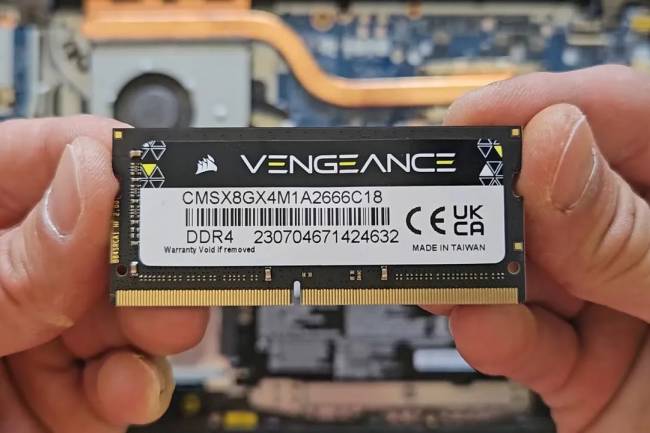
 Is it possible to upgrade or install additional RAM to your Huawei MateBook D14? Very short and simple answer is NO. Huawei Matebook 2021 Model has RAM soldered to the motherboard and can’t be removed or upgraded, if your laptop came with 8GB DDR4 RAM then you are stuck with that, if you purchased 16GB version then you are stuck with that.
Good news is that SSD (M.2 NVMe solid state drive) can be upgraded, that seems to be common thing with newer laptops.. sadly.
Next few paragraphs i will go briefly over how to open this Huawei D14 and what kind of tools you will need for it.
How to open Huawei MateBook D14
To open your Huawei laptop you will need Torx T5 screwdriver and to remove SSD you will need standard phillips screwdriver (smaller size).

You will have to remove all the screws on the back panel (10 in total), see image below:

How to upgrade your laptops SSD
Before you start any upgrading i recommend disconnecting battery, just to avoid any shorts on motherboad while removing solid state drive.
To remove NVMe SSD you will need standart phillips screwdriver, image below:


All whats left to do now is remove SSD and replace with new one, i am using 1TB Samsung 970 EVO Plus. See image below:

Just remember that after you swap SSD you will have to reinstall Windows operating system.
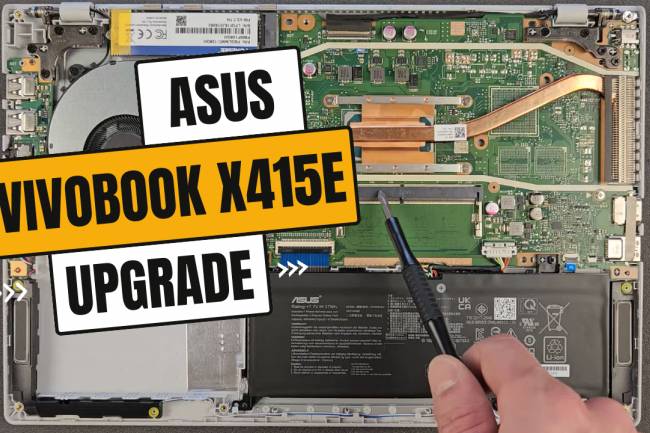
Additionally see video at the top of the page, how to Upgrade Your Huawei MateBook D14 RAM or SSD.
Click Here to Visit